
AI Integration
We find where AI saves your team time, then set it up: Copilot, Gemini, ChatGPT or Claude, connected to the tools you already use.
We do the work
AI That Gets Set Up, Not Just Talked About
Most AI consultants hand you a list of suggestions and leave you to figure out the rest. We find where AI will save your team real time, then we set it up, connect it, and show your staff how to use it.
“Have nothing but good things to say about The Friendly I.T. Guy. The owner, Nate, is very professional and knowledgeable. He is always willing to help and provides fast, accurate solutions, all at affordable rates. If you are a business or in need of personal IT assistance, I highly recommend reaching out to The Friendly I.T. Guy. 5 out of 5 stars!”
A lot of AI advice stops at the big picture. You get a slide deck about what AI could do, and when you ask who's going to set it up, the answer is you. We're an IT company, so the setup is the part we actually do.
Most businesses already pay for Microsoft 365 or Google Workspace, and both come with AI built in. We turn it on, set the permissions so sensitive files stay private, and connect it to the rest of your tools so it's useful instead of just another tab.
How an AI Project Works
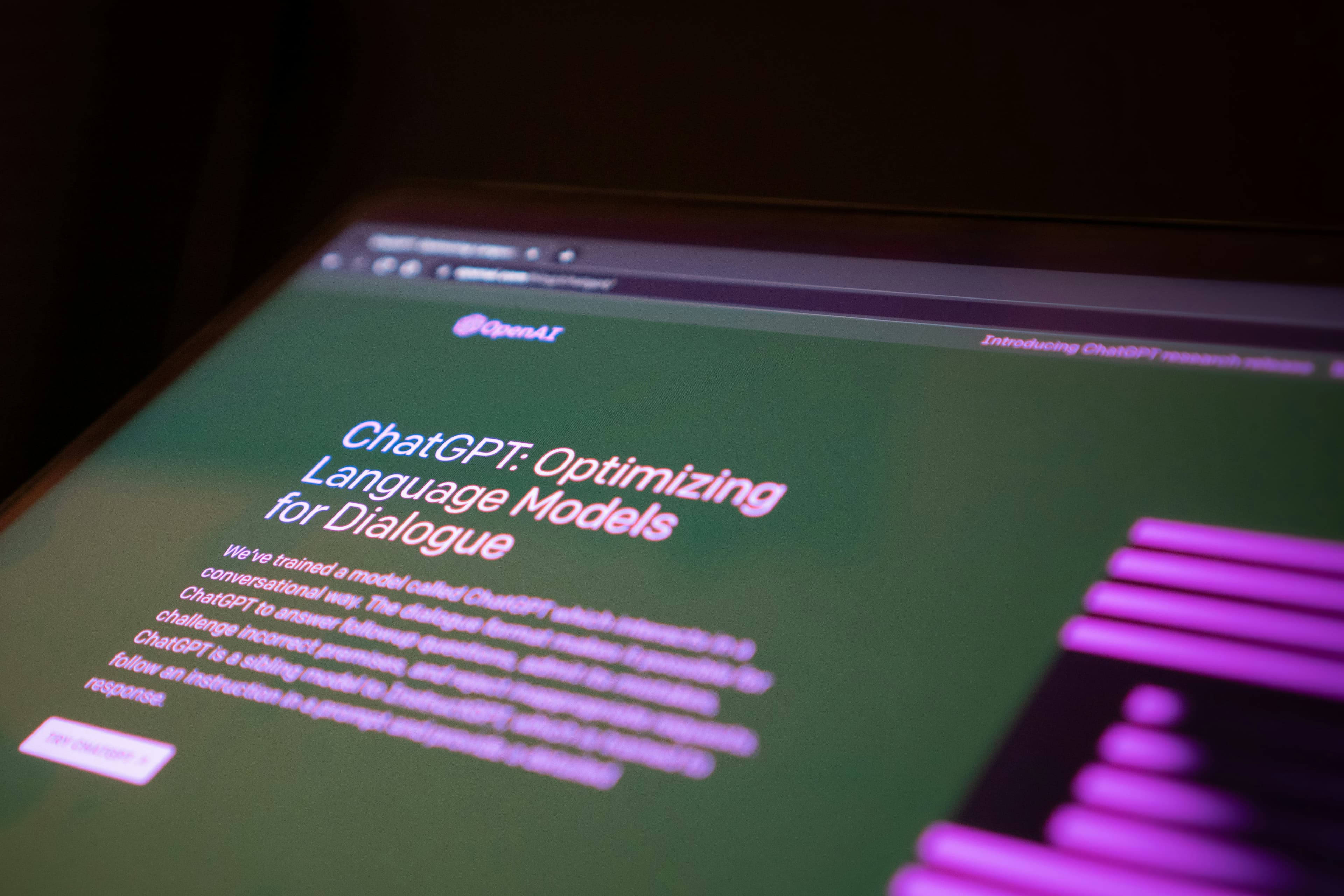
We start by learning how your team works and where the time goes. Then we pick the tools that fit, set up the accounts and permissions, and connect them to your email, files and the other systems you rely on. Where it helps, we add simple automations, like sorting incoming email or filling in standard documents. Last, we train your staff and stick around for questions. You end up with AI your team uses every day instead of an expensive subscription nobody opens.
- Find the right spots. We look at how your business runs day to day and point out where AI is worth it, and where it isn't. That's step one, not the whole job.
- Set it up properly. Copilot in Microsoft 365, Gemini in Google Workspace, or ChatGPT and Claude team accounts, configured with the right permissions and data settings so AI only sees what each person should see.
- Connect it and train your team. We connect AI to the tools and files you already use with skills, connectors and MCP servers, set up simple automations, and walk your staff through it until they're comfortable.
FAQFrequently Asked Questions
Not necessarily. We help you determine if AI tools make sense for your specific situation. AI helps a lot of businesses, but it isn't magic. We only suggest it where it saves you real time.
For most businesses it starts with what you already pay for: Copilot in Microsoft 365 or Gemini in Google Workspace. Some teams are better off with ChatGPT or Claude team accounts. We'll recommend what fits how you work, then set it up.
It depends on the tool and how it's set up. We configure business accounts with the right data settings and permissions, so AI only sees the files each person is allowed to see, and we go over how each tool handles your data before you commit.
Most AI tools are a per-person monthly subscription, and some are already included in your Microsoft 365 or Google Workspace plan. Our setup work is quoted upfront, and we look for the cheapest option that does the job.
That's not how we use it. The point is to take tedious work off your team's plate so they can spend time on the parts that need a person.
5 out of 5 stars
Nate was a perfect choice for us. We were having problems with our home PC, and didn't have the time, energy, or know-how to fix things ourselves. What I found most important was that he had the ability to speak to us in regular terms instead of computer speak. During our first meeting he cleared up something that I had been having problems with for years.
Let's Get AI Working for Your Team
We find where AI is worth it, then we set it up. No slide decks.
- Copilot, Gemini, ChatGPT or Claude
- Permissions and data settings done right
- Connected to the tools you already use
- Simple automations
- Training for your staff
- Clear pricing upfront